 McSync
Drag a folder in
From the Finder onto the surface. It sits there as a tile with a name and a colour — and you can tell at a glance which one it is.
Twenty years of photos sit on a single disk. McSync puts them down a second time — on the external SSD, on the NAS, wherever you like. Drag a folder in, draw a line, let go. No expertise required.
No wizards, no command line, no jargon. Three moves, and it runs.
From the Finder onto the surface. It sits there as a tile with a name and a colour — and you can tell at a glance which one it is.
From one tile to another. The line is the instruction: “take this over there.” As many lines as you need.
One click, and McSync tells you first what it would do. Nothing moves a single file until you say yes.
Hard drives fail, usually without warning. The only thing that helps is a second copy — and it has to be current, otherwise it is just an old promise.
One more thing, openly said: a sync is not a backup, and we accept no liability for lost data. Keep a real backup as well — that holds for any tool of this kind. More in the terms of use.
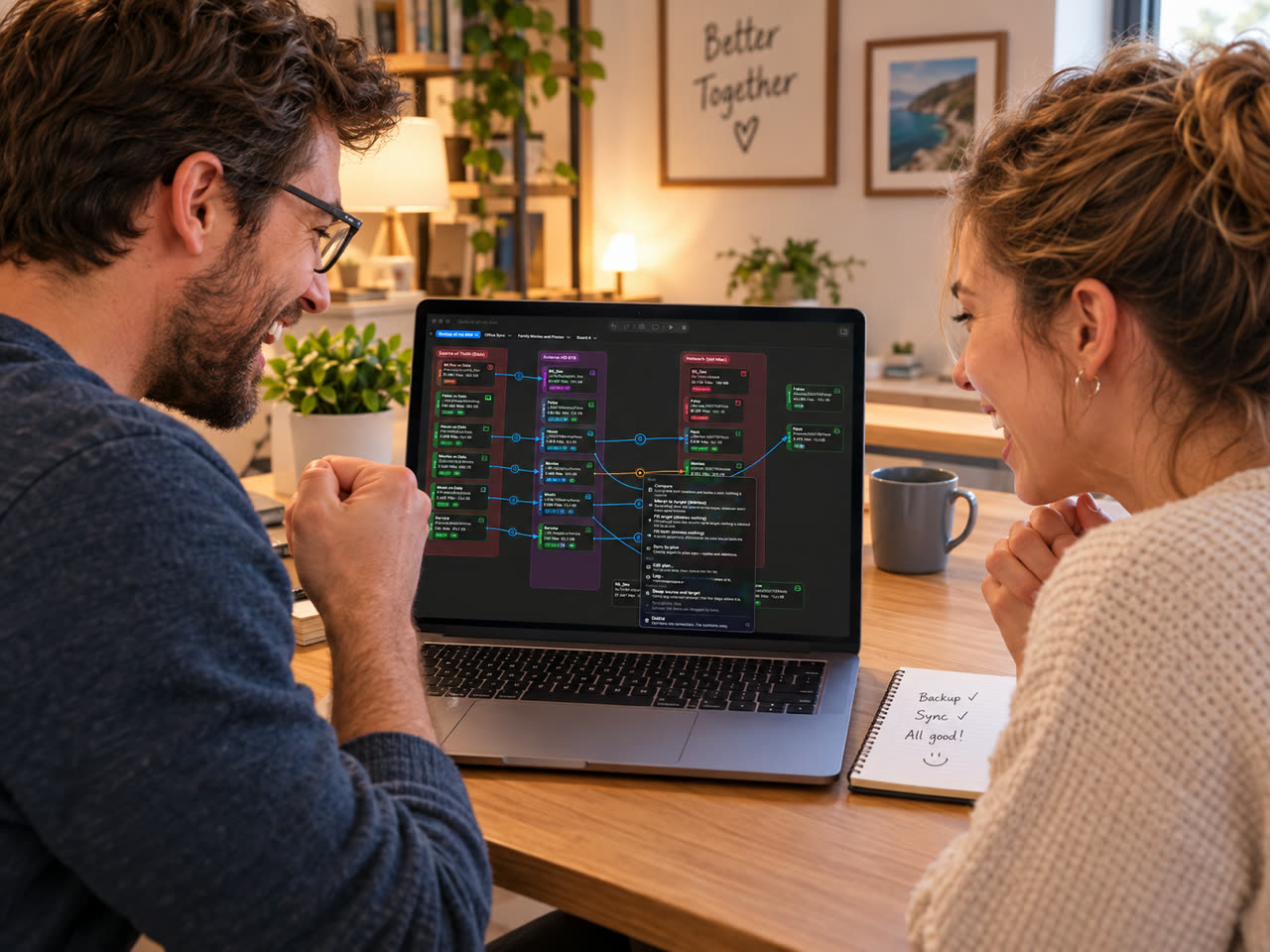
Not a bar that sits still for ten minutes and tells you nothing. You see which file is running, how fast it goes and what is still to come.
Laptop, external SSD, NAS, the archive in the basement: every place is a tile, and you connect them however suits you. Each line has its own job — one keeps two folders equal, another only fills up.
After checking, the line takes on a colour. That is all you need to read:
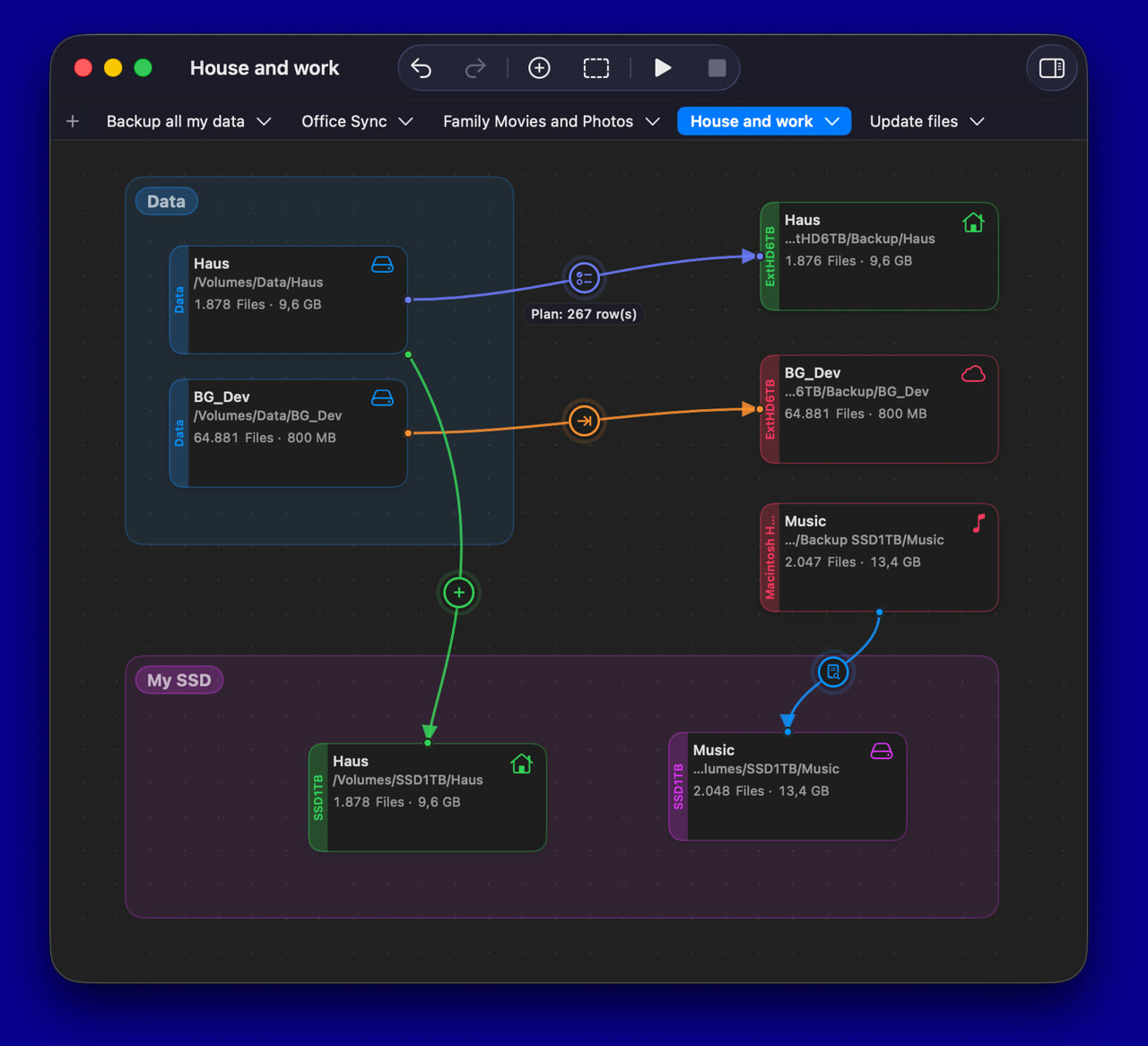
Both sides on the same state — one way or both ways.
What is missing is added. What exists stays untouched. The harmless choice.
A program that can delete files owes you an explanation before it does.
Beforehand it says what will happen — counted out. Only then may it run.
Deleted files sit in your Mac's Trash. That is where you get them back.
Mis-clicked? The previous state is one move away.
Every run is written down: when, how long, which file.
No cloud, no account, no server. McSync is not even allowed online.
Windows, keyboard shortcuts, dark mode — all where you expect them.
Five places, free
As many places as you like